Everyone uses AI differently
One person gets great results. The rest are stuck, and nothing is shared.
Get live Claude workshops to train your team, set up their computers, and teach them how to automate anything.
Where David has taught and spoken







One person gets great results. The rest are stuck, and nothing is shared.
You bought the licenses. Your team only opens them once a week.
Courses teach theory. Nobody builds an automation they actually needed.
A one hour course may be enlightening, but it won't ensure long-term success.
A virtual session recorded for any future team members. Your team can ask questions live and follow along on their own computers.
We come to your office and teach your team in the room, on your own tasks and files. A half-day for up to 100 people.
Watch a full workshop on your own time, then replay it as new people join. Best for teams spread across places and time zones.
Prompting, settings, agents, skills and automations.
Set up Claude perfectly on each computer, with your own custom setup file.
Connect to your tools, install custom skills and plugins, and learn how to build your own.
Set up your first scheduled tasks to automate any part of your life or job.
Show what you built, then a final round of Q&A.
Private workshops follow the same shape, built on your team's own work.
Installed, signed in and ready on every laptop before you leave.
Something from your own job, done in Claude, not a practice exercise.
Reusable instructions your team can run again tomorrow.
Watch it again, or share it with teammates who missed it.
Starter prompts and a one-page Claude cheatsheet to keep at your desk.
Stuck on something? Email David and get an answer.
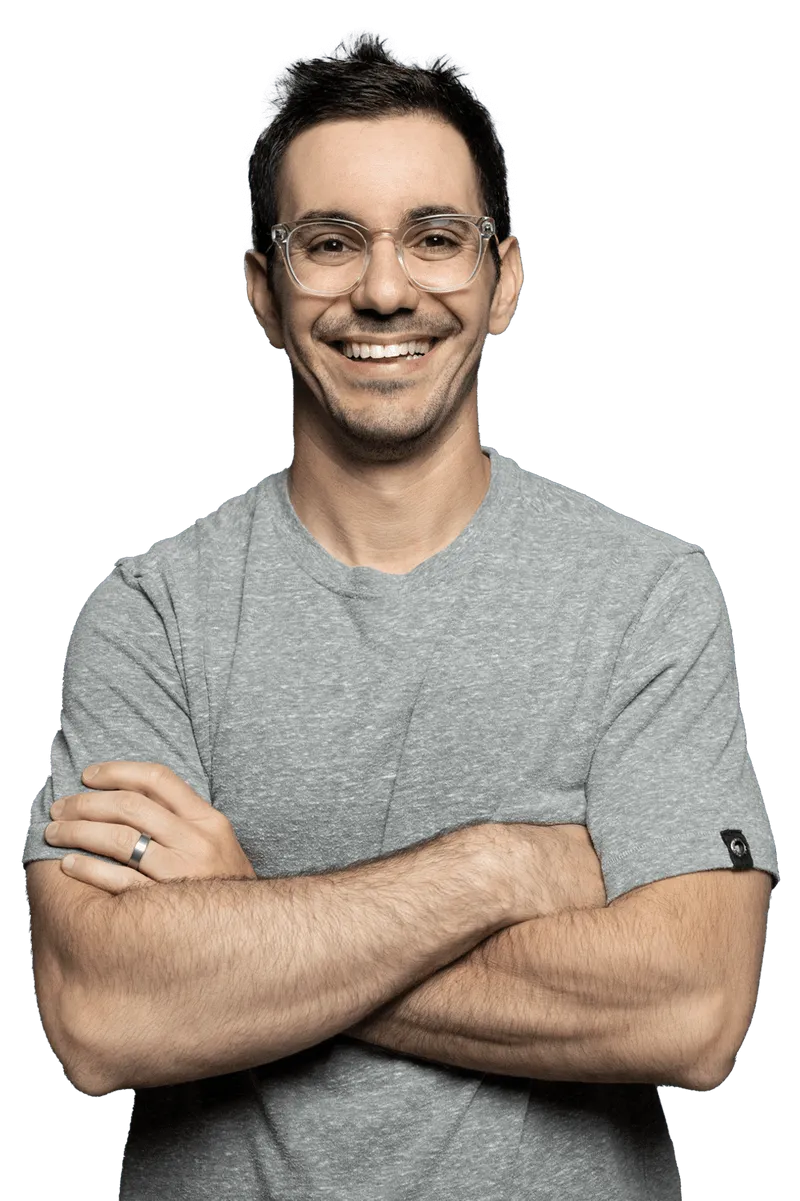
David Bitton is a 5X entrepreneur with two successful exits, a TEDx and keynote speaker, and best-selling author.
He coaches entrepreneurs, advises companies as a consultant and fractional Chief AI Officer, and shares his knowledge with students and teams as an AI expert & educator.
David was the former co-founder and CMO of DoorLoop, a property management software company that raised $130M and employs over 250 people.
Beyond his professional achievements, David is a 2x tennis state champion turned padel player and enjoys life with his wife and three children in South Florida.
Sales, marketing, customer success, management and engineering, taught by someone who has built and sold SaaS companies.
One Project loaded with your pitch, pricing pages and customer stories.
Prep for a call and draft the follow-up in minutes, checked by the rep.
Turn a call transcript into follow-ups, objections and next steps.
Release notes, landing page copy, ad ideas and reports in your brand voice.
Save your best rep's playbook as skills everyone can run.
One Project for your help docs, policies and playbooks.
Draft answers your team checks before sending.
Summarize long threads and spot patterns across tickets.
Turn what your team already answered into new help articles.
Turn your best workflows into something everyone can run.
Hands-on, with your own work, so you lead from experience.
Map your team's tasks and pick where AI saves the most time.
Simple rules, habits and a way to share what works.
Who leads it, what they do, and how you support them.
What to do this quarter, next quarter and beyond.
Owners, dates and the wins you will measure.
Safe setup, permissions and a team CLAUDE.md.
Plan, build and test with Claude, live.
What gets checked, by whom, before it ships.
Save what worked so the whole team uses it.
Every AI change goes through your normal review and tests.
Keys, customer data and private code stay out of prompts, with settings to back it up.
We set usage limits and a way to track them, so the bill never surprises you.
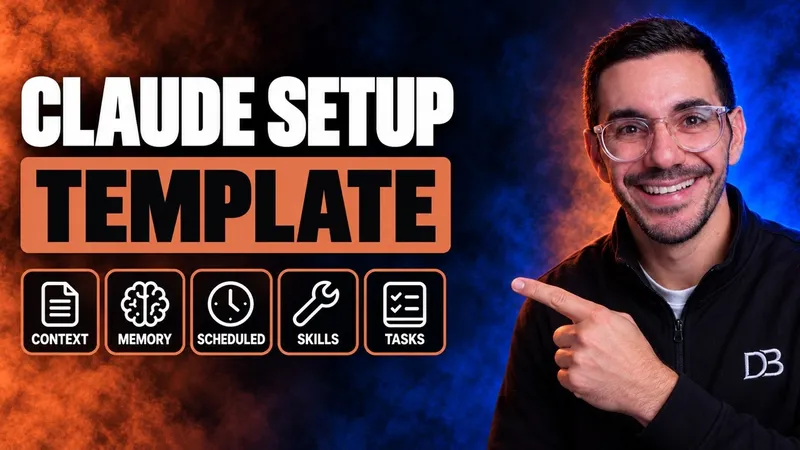 DavidSet up 97% of Claude in under 22 minutes
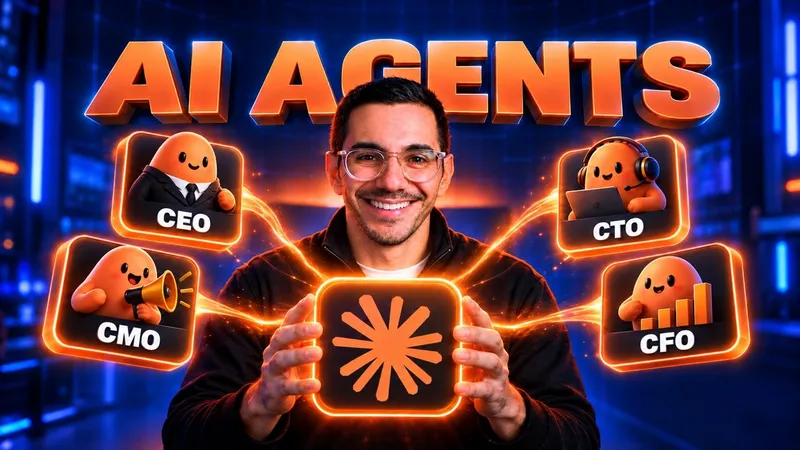 DavidHow to build your first Claude agents