AI for Managers: Where to Start With Your Team

AI for managers means using tools like Claude or ChatGPT for repeatable management work: meeting notes, reports, feedback drafts and plans. Start with one low-risk task, check every result yourself, and agree simple rules with your team.
Below: what to hand to AI first, a 30-day plan, what to keep for yourself, and what changes for leaders and executives. For hands-on help, see AI coaching and consulting for managers and teams.
What does AI for managers mean?
AI for managers is the use of AI assistants for management work. The tool drafts, summarizes, sorts and suggests. The manager decides.
It is not a new management style, and it is not software that runs your team. Most of the guides on this topic say the same thing: AI supports a manager’s judgment and does not replace it. A manager who uses AI well still has the same job as before: set direction, give feedback, remove blockers and develop people. The difference is less time on the paperwork around that job.
Managers have a reason to learn this before their team does. Gallup’s 2026 employee surveys found that 33% of employees whose manager actively supports AI use say AI improves how work gets done, against 9% of those without that support (Gallup, July 21, 2026). The manager sets the tone.
Which management tasks can AI help with?
AI helps most with tasks that are repeated every week, produce text, and are easy for you to check. It helps least with tasks that depend on trust, context nobody wrote down, or a decision about a person.
| Task | How AI helps | What you check |
|---|---|---|
| Meeting notes | Turns raw notes or a transcript into decisions, owners and dates | Every owner and date is correct |
| Status reports | Combines updates from several people into one summary | Nothing important was dropped or invented |
| 1:1 preparation | Drafts an agenda from last month’s notes and open items | The topics match what the person actually needs |
| Feedback drafts | Turns your bullet points into clear, specific wording | The tone sounds like you, and every example is true |
| Project plans | Breaks a goal into steps, risks and a rough schedule | Dates and dependencies match reality |
| Hiring paperwork | Drafts a job post or interview question list | The requirements are fair and relevant to the role |
| Team messages | Rewrites a long update so it is short and clear | The facts and the commitments are unchanged |
| Spreadsheet questions | Explains a trend or flags odd numbers in data you paste in | You recheck the numbers in the source |
Each row has the same shape: you supply the facts, the tool shapes them, and you check the result. My rule of thumb: stay curious and be lazy smart. Ask questions, then automate, delegate or outsource the rest. The AI use cases guide lists more examples by department, and the AI prompts guide has copy-and-paste prompts you can adapt. To go one step further, my agents video shows that an agent is just a Claude session doing a job for you, started by telling Claude to act as that role, and that a long session slowly forgets your instructions, so a fresh one per job works better.
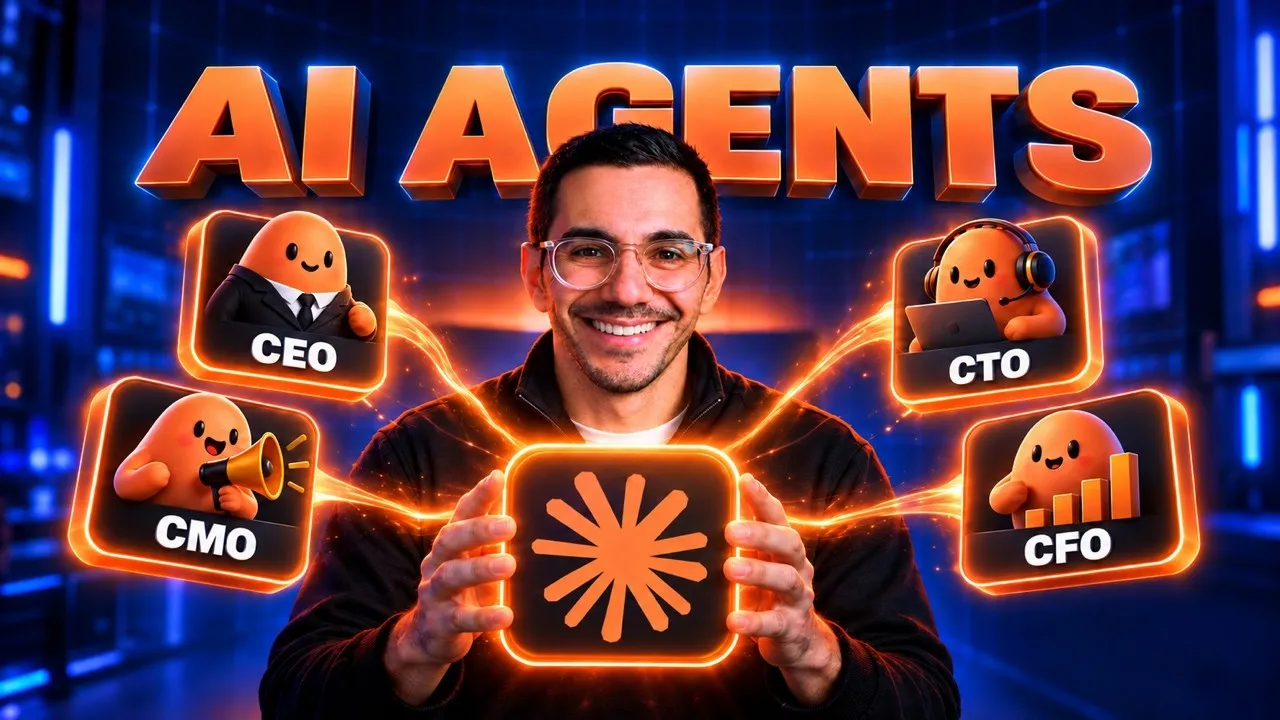 Video · 26 min
How the Top 1% Use Claude Agents to Automate Their Life
I walk through running one chat, then a team of Claude agents, in three levels, so you can see how a manager can hand repeat work to AI.
Watch the video →
One example you can try today:
You are helping a team manager. Here are my raw notes from today's meeting: [paste notes].

Task: List the decisions made, then a table of action items with owner and due date. If an owner or date was not stated, write "not stated" instead of guessing.

Format: Plain English. Under 200 words.
The last instruction matters. It stops the tool from filling gaps with a guess that looks like a fact.
Where should a manager start? A 30-day plan
Start with one task and one tool, then widen. The schedule below is a suggested plan, not a research finding.
| Week | Focus | What done looks like |
|---|---|---|
| 1 | Choose one repeated task and one approved tool | You have run the task with AI at least three times and noted what was wrong |
| 2 | Improve the prompt and set your checking habit | A saved prompt that works, and a clear list of what you always verify |
| 3 | Add a second task and tell your team what you are doing | The team has seen a real example of you using AI, including a mistake you caught |
| 4 | Invite the team in and agree basic rules | A one-page note on approved tools, what data stays out, and who checks what |
Tell your team what you are doing in week 3. In Microsoft and LinkedIn’s 2024 survey, 52% of AI users said they were reluctant to admit using AI for their most important tasks, and 53% worried it made them look replaceable. A manager who shows their own use, including the checking step, makes it safer for others to do the same.
Mistakes are how checking habits get built. I didn’t fire the person who lost our trade-show booth, and I didn’t yell at them either. They already knew they’d messed up and would never forget it. If I’d fired them and hired someone new, the new person wouldn’t have learned the lesson and probably would have made the same mistake. Afterward we built a checklist and a process for every show.
What should a manager not hand to AI?
Keep decisions about people, and anything confidential, out of the tool unless your company has approved it. A good rule: AI can help you prepare, but it should not be the one deciding.
- Hiring, firing, pay, promotion and performance ratings. Use AI to organize your own notes, not to produce a verdict. Laws on automated decisions about employees differ by place, so ask HR or legal before using any tool in these decisions.
- Private employee information. Health details, pay, complaints and disciplinary records stay out of a tool unless it is approved for them.
- Hard conversations. AI can help you plan what to say. Do not send it in your place.
- Anything you cannot check. If you could not tell whether the answer is wrong, do not use the answer.
Clear limits matter because, in Microsoft and LinkedIn’s survey, 78% of AI users bring their own AI tools to work. Without an approved option, staff choose for themselves. The AI governance guide covers the tool list and usage policy.
How do you lead a team that uses AI?
Lead it the way you lead any change: show the behavior, set clear norms, and make room to learn. Three habits matter most.
- Use it where your team can see. Show a real task, a real result and a real correction. BCG’s 2025 survey of more than 10,600 leaders, managers and frontline employees found that more than three-quarters of leaders and managers use generative AI several times a week, while regular use among frontline employees has stalled at 51%. The gap is a chance for managers to close.
- Set norms in writing. Which tools are approved, what data stays out, and that a person reviews AI output before it reaches a customer. Also say that using AI well is welcome, so people do not hide it.
- Watch the workload. If AI makes a task faster, do not quietly cut the deadline to match. People then stop sharing how they use it.
Support from a manager also shows up in how often people use AI. Gallup found that employees who strongly agree their manager supports their team’s use of AI are 1.7 times as likely to use AI a few times a week or more (Gallup, May 2026). Only 36% of employees in AI-integrating organizations strongly agree their manager supports their team’s AI use, so there is room to stand out.
For the full rollout steps, see the guide to AI adoption for a team.
What is different about AI for leaders and executives?
Leaders and executives use the same tools, but their main job changes from doing tasks faster to choosing where AI should be used, setting the rules and removing obstacles. A manager asks, “What can I hand to AI this week?” An executive asks, “Which problems in this company are worth solving with AI, and who owns that?”
| Question | Manager | Leader or executive |
|---|---|---|
| Main focus | Tasks and the team | Direction, budget and risk |
| Typical AI use | Notes, reports, drafts, planning | Briefings, scenario comparisons, board material |
| Key decision | What to try with my team | Which problems to solve and which tools to approve |
| Biggest risk | Unchecked output and leaked data | No plan, no owner, scattered tools |
The lack of a plan is common. In the Microsoft and LinkedIn survey, 60% of leaders said they worry their organization’s leadership lacks a plan and vision for implementing AI. Gallup’s May 2026 data found that only 25% of US employees say their organization has communicated a clear plan for AI.
If you are an executive, the next reading is the AI strategy guide for choosing where to use AI, and the AI governance guide for the rules. If the role of owning all of this does not fit anyone’s job, see what a Chief AI Officer does.
How much training does a manager need?
A manager needs training on their own work, not a general course on how AI works. BCG found that regular use is sharply higher for employees who get at least five hours of training with in-person coaching, though that shows an association, not proof that training causes use. Its survey also found only about one-third of employees say they have been properly trained.
Good training for a manager:
- Uses real management tasks, such as the table above, not demo prompts.
- Gives time during work hours, then a short weekly practice slot.
- Covers checking, privacy and what to keep for yourself, not only prompts.
- Gives the manager a way to bring examples back to their team.
For a company-wide plan, see the AI training for employees guide. If you want it taught live to your managers, I run hands-on AI workshops for teams.
What should you do next?
Do three things this week. Pick one task you repeat weekly that produces text. Run it with an approved AI tool and check the result. Write down what the tool got wrong. That note is the start of your checking habit.
If you want a coach to help you or your managers set this up on real work, start with my AI workshops for managers and teams, or the consulting page, which covers AI coaching, team training and automation. To see how coaching differs from consulting, read the AI coaching guide, and for what a coach costs, see executive coaching cost.
Sources
- Gallup, Employee engagement remains flat as AI adoption accelerates, published July 21, 2026, read November 12, 2026.
- Gallup, AI in the workplace indicator, figures as of May 2026, read November 12, 2026.
- BCG, AI at Work 2025: Momentum builds, but gaps remain, published June 26, 2025, read November 12, 2026.
- Microsoft and LinkedIn, 2024 Work Trend Index: AI at Work Is Here. Now Comes the Hard Part, published May 8, 2024, read November 12, 2026.