AI Training for Employees: A Plan for a Company

AI training for employees works best as a short program with four parts: clear rules for safe use, the same basics for everyone, hands-on practice on each role’s real tasks, and a check that work has changed. Start with one team, then expand.
This guide covers what to teach, a 60-day plan, the formats to choose from, and how to measure results. For the idea behind it, see the guide to AI literacy. If you want a second set of eyes on the plan, see the consulting page.
What is AI training for employees?
AI training for employees is structured teaching that helps staff use AI tools safely and well in their own jobs. It is not a single webinar about what AI is. A useful program has three layers:
- Rules. What data may go into AI tools, which tools are approved, and what a person must check before AI output is used.
- Skills. How to write clear instructions, how to check an answer, and how to spot a confident wrong one.
- Practice. Using AI on the tasks the employee already does every week, with feedback.
The third layer is where most programs run short. Knowing how a tool works rarely changes how someone builds this week’s report. Using the tool on that report does.
Why does a company need to train employees on AI?
Because staff are using AI with little guidance, and the gap shows in the numbers. Three sources describe it.
- Few users have been trained. In the Microsoft and LinkedIn 2024 Work Trend Index, only 39% of people who use AI at work had received AI training from their company. Only 25% of companies planned to offer generative AI training that year.
- Training is linked to more use. BCG’s 2025 report on AI at work found that only one-third of employees said they had been properly trained. It also found regular AI use was sharply higher among employees who received at least five hours of training. That is a link, not proof that the hours caused it, since keen employees may also seek out training.
- Some places make it a duty. The European Union’s AI Act has required companies to take measures to support the AI literacy of their staff since 2 February 2025. The European Commission’s FAQ says it does not require mandatory training or a certificate, and that the right approach depends on the company’s role and the risk of its AI systems.
Sources: Microsoft and LinkedIn, 2024 Work Trend Index, published May 8, 2024; BCG, AI at Work: Momentum Builds, but Gaps Remain, published June 26, 2025; European Commission, AI literacy questions and answers, last updated October 20, 2026.
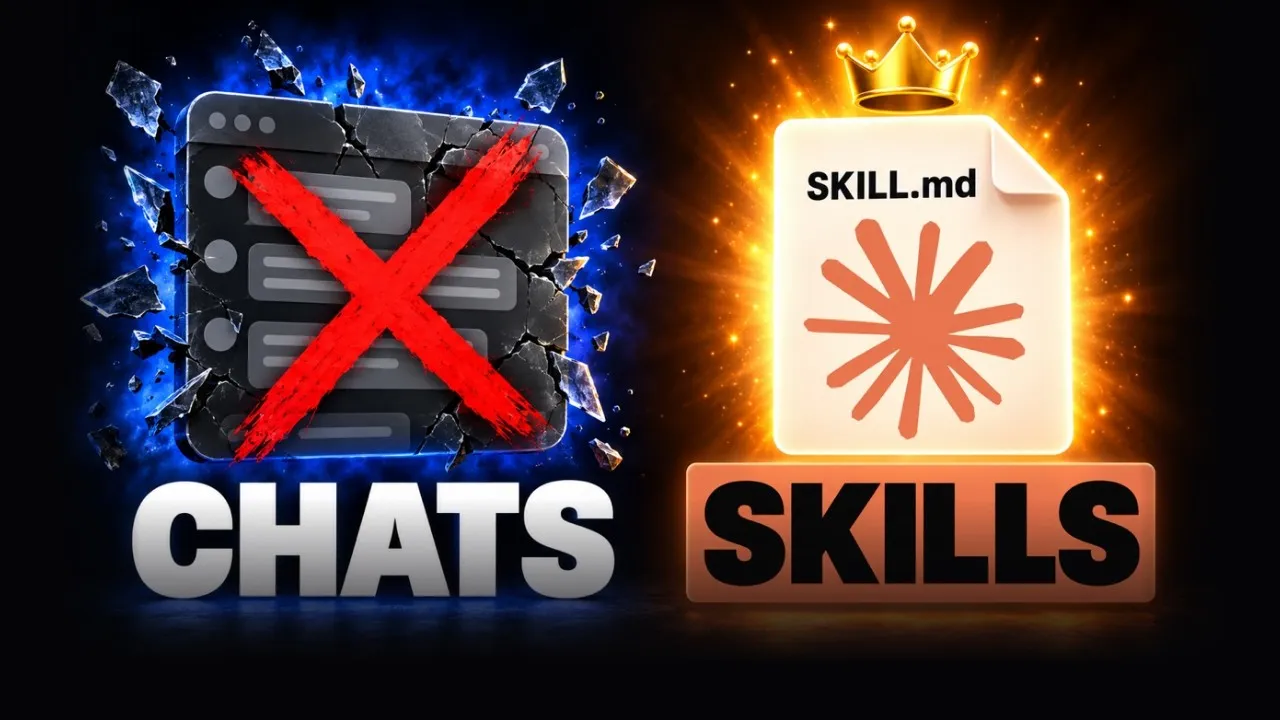
I see the same gap in person. Every time I speak to a room of people and ask who uses Claude, everyone raises a hand. When I ask who uses skills, almost no one does, and skills are so important. In my skills video I explain why: when a chat gets long, Claude can forget your original instructions, and saving them as a skill fixes that.
 Video · 15 min
If You're Not Using Skills, You're Using Claude Wrong
I show what a skill is, how to build your own and how to edit it so it gets better every time you use it.
Watch the video →
What should employees learn?
Teach in levels, so each person gets what their job needs and no more. A simple way to split the group:
| Level | Who | What they learn | Best format |
|---|---|---|---|
| 1. Core | Everyone | What AI can and cannot do, the company rules, what data stays out, how to check output | Short live session plus a one-page rule sheet |
| 2. Role-based | Each team | Prompts and workflows for that team’s own tasks, with real files | Hands-on practice in small groups |
| 3. Champions | A few volunteers per team | Building shared prompts and simple workflows, coaching teammates | Extra sessions and a shared channel |
| 4. Leaders | Managers and executives | Choosing use cases, reviewing AI-assisted work, setting expectations | Short briefing and coaching |
Level 1 is the same for all. A rule that only some people know is not a rule. Level 2 is where the value is, because the examples come from the learner’s own work.
How do you build an AI training plan in 60 days?
Run it in three phases and end each with a decision. The schedule below is a suggested design built from common practice, not the result of a study.
| Days | Phase | What you produce | Decision at the end |
|---|---|---|---|
| 1 to 14 | Set the base | Goal, starting number, rule sheet, list of tools people already use | Does the sponsor approve the pilot team and the rules? |
| 15 to 40 | Pilot | Core session for everyone in scope, then 3 to 4 role-based practice sessions with one team | Is the pilot team faster or better on the chosen tasks? |
| 41 to 60 | Expand and measure | Results page, shared prompt library, champions named for the next teams | Which teams go next, and what needs to change? |
Days 1 to 14: How do you set the base?
Do these five things before anyone sits in a class.
- Pick one goal. Choose a number the business already tracks, such as hours spent on a weekly report or days to answer a customer.
- Record the starting point. Time two or three repeat tasks before training. Without this, you cannot show a change later.
- Find out what people already use. A short, no-blame survey of which AI tools staff use and for what gives you a real starting picture. A readiness check does the same job for the whole company; the AI readiness assessment guide shows how.
- Write the rule sheet. Name the data that may not be pasted into AI tools, the approved tools, and what a person must review before output goes to a customer. The AI governance guide has a longer policy checklist.
- Choose the pilot team and an owner. Pick a team with frequent, checkable tasks, and one person with time set aside to run it.
Days 15 to 40: How do you run the pilot?
Start with one core session for everyone in scope, then practice by team. Keep each practice session built around real work: the team brings last week’s tasks, tries them with AI, and compares results.
- Use real files and tasks. A demo on sample data teaches little.
- Keep a human check. Anything that leaves the company gets reviewed first.
- Save what works. Each good instruction goes into a shared prompt library the team can reuse.
- Check in often. A fifteen-minute check-in twice a week surfaces problems while they are small.
When I run training myself, I keep it to real AI workshops where people get work done on the spot in small groups, one to ten minutes each. I finish by getting everyone to write down and commit to one action they will take to move forward. To choose a provider and see a sample agenda, read the corporate AI workshop guide.
 Free resource · Template
Claude Setup template
I built this free setup file so everyone starts with the same Claude folders, rules and memory, which makes the core session easier to run.
Get it free →
Days 41 to 60: How do you expand?
Write a one-page result: the goal, the starting number, the new number, what people said, and what to change. Then name two or three champions from the pilot team to help the next group. For how this fits a wider company plan, see the AI strategy and 90-day roadmap.
Which training formats work best?
A mix works better than any single format. Each has a use and a weak spot.
| Format | Good for | Watch out for |
|---|---|---|
| Self-paced online courses | Level 1 basics, reaching many people, learning at any hour | Low completion, and little link to the person’s actual work |
| Live workshop | Rules, shared vocabulary, questions answered on the spot | Fades fast if nothing follows it |
| Hands-on practice on real tasks | Role-based skills, building habits | Needs a facilitator who knows the team’s work |
| Champions and peer sharing | Keeping momentum, local help | Champions need protected time and a clear role |
| One-to-one coaching | Leaders and heavy users with specific problems | Does not scale to the whole company alone |
This table reflects practical judgment, not controlled research. The principle behind it is the BCG finding above: more training time and in-person help went with more regular use.
How should training differ by role?
Give each team examples from its own week. Starting points:
- Sales: account research, call preparation, follow-up emails, proposal drafts.
- Marketing: first drafts, content outlines, campaign reports, summaries of customer feedback.
- Customer support: reply drafts, summarizing long threads, finding answers in help articles.
- Finance: reading and summarizing contracts and invoices, variance commentary, spreadsheet formulas.
- HR: job descriptions, policy drafts, interview question banks, onboarding material.
- Operations: process documents, checklists, meeting notes, status reports.
In every role, add the same two habits: check facts and numbers before using output, and never paste restricted data into an unapproved tool.
How do you measure whether AI training worked?
Measure behavior and results, not attendance. A well-known framework, the Kirkpatrick Model, uses four levels. Its creator, Dr. Donald Kirkpatrick, developed it in the 1950s, and it fits AI training well.
| Kirkpatrick level | What it measures | Example for AI training |
|---|---|---|
| 1. Reaction | Whether people find the training favorable and relevant | Short survey after each session |
| 2. Learning | Whether people gained the intended knowledge and confidence | A short practical check, such as improving a weak prompt |
| 3. Behavior | Whether people do the critical behaviors at work | Weekly use of approved tools, shared prompts used, review steps followed |
| 4. Results | Whether business outcomes improved | Time on the chosen task, turnaround days, error rate against the starting number |
Source: Kirkpatrick Partners, The Kirkpatrick Model, read November 11, 2026.
Levels 3 and 4 are the ones leaders care about, and they are the ones most programs skip. Plan how you will collect them before the first session, and compare them with the starting numbers from days 1 to 14.
What mistakes make AI training fail?
- Teaching the tool, not the job. A tour of features does not change daily work. Practice on real tasks does.
- No rules. People need to know what data stays out before they try anything.
- One course for everyone. Core content is shared, but practice must be role-based.
- No manager support. If a manager does not use AI or make time for it, the team will not either.
- No starting number. You cannot show a gain you did not measure.
- Stopping after the event. Tools and habits change. Schedule short refreshers and a place to share what works.
What should you do next?
Write the one-page rule sheet this week, pick one pilot team, and time two of their repeat tasks. That is enough to start day 1. For a recorded look at how a Claude training session runs, see the Claude Training Masterclass video. For help planning or running training for your team, start with my AI workshops or the consulting page.
Sources
- Microsoft and LinkedIn, 2024 Work Trend Index: AI at Work Is Here. Now Comes the Hard Part, published May 8, 2024.
- Boston Consulting Group, AI at Work: Momentum Builds, but Gaps Remain, published June 26, 2025.
- European Commission, AI literacy questions and answers, last updated October 20, 2026.
- Kirkpatrick Partners, The Kirkpatrick Model, read November 11, 2026.