Corporate AI Workshop: What to Expect and How to Choose One

A corporate AI workshop is a live, hands-on session, usually half a day to a full day, where a team practices AI on its own real tasks. Pick a provider that works on your tasks, spends most of the time hands-on, and plans follow-up.
Below: what happens in the room, a sample agenda, the formats, and how to choose. If you are still deciding whether to train at all, start with AI training for employees.
What is a corporate AI workshop?
A corporate AI workshop is a short, live session built for one company or team, where people use AI tools on their own work with a trainer in the room. It is different from three things it often gets confused with:
- A keynote or webinar. One person talks and the audience listens. People leave informed but have not changed how they work.
- A course. A course follows a fixed curriculum over weeks and is usually taken by individuals. A workshop is one or two sessions for a group.
- A vendor demo. A product tour of one tool is a sales call dressed up as training. A real workshop is tool-neutral enough to teach the habit, not just the button clicks.
The test is simple: at the end of the day, can each participant do something with AI that they could not do at the start, on a task they actually own?
Why would a company run one?
Because most people using AI at work have not been taught how. In Microsoft and LinkedIn’s 2024 Work Trend Index, only 39% of people who use AI at work had received AI training from their company, and only 25% of companies planned to offer generative AI training that year.
Source: Microsoft and LinkedIn, 2024 Work Trend Index, published May 8, 2024.
A workshop is the fastest way to close part of that gap, because it puts the whole team on the same rules and the same starting skills in one sitting. It does not finish the job. It starts it.
What happens in a corporate AI workshop?
The best sessions are mostly practice. My rule of thumb is to run real workshops where people get work done on the spot, in small groups, one to ten minutes at a time, and to finish by getting everyone to write down one action they will commit to. The more slides you show, the more the audience watches the slides and not you.
Here is a common half-day shape, taken from a published guide for corporate teams:
| Time | What happens | Why it matters |
|---|---|---|
| 0:00 to 0:30 | Set the goal. Each person names one task to improve with AI | Everyone works on something real from minute one |
| 0:30 to 1:15 | Core skills: clear instructions, checking output, catching mistakes | One shared baseline, so the practice time is not spent on basics |
| 1:15 to 2:45 | Live practice on real work, with a break and trainer review | The longest block, because this is where skills form |
| 2:45 to 3:30 | Share and challenge: compare results, decide what to keep | People see what worked for others and learn what to drop |
| 3:30 to 4:00 | Team rules and a 30-day action plan with a named owner for each action | The session ends with commitments, not applause |
Source: Jerome Joseph, AI Workshop for Teams: 4 Formats and a Sample Agenda, published October 17, 2026.
A hands-on setup session can run longer than a talk. My Claude workshop needs a minimum of an hour and a half, because we set Claude up completely on each person’s computer. When I gave my Claude masterclass twice in two weeks, people stayed for up to two and a half hours afterward for one-on-one help with their own setups. That tells me one thing: plan time for questions at the end, because the real questions only appear once people start using the tool. Setup comes first for a reason: a new Claude knows nothing about you, your company or your rules, which I walk through in my setup video.
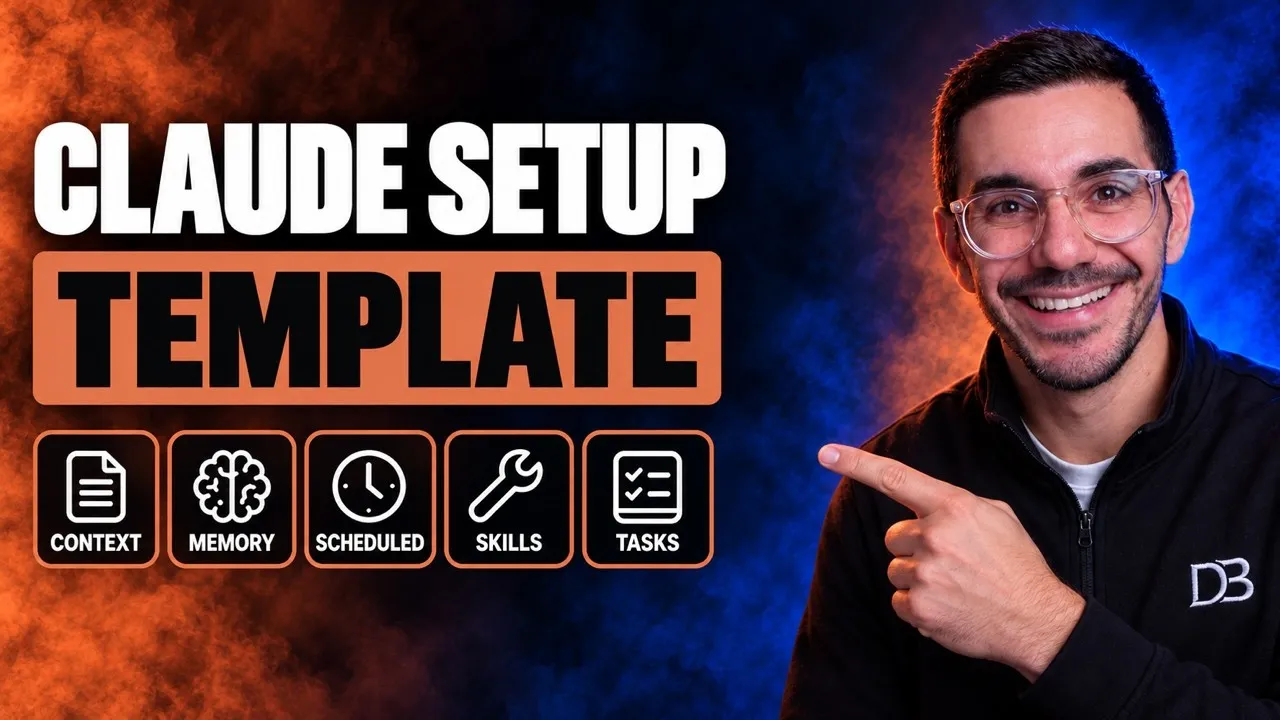 Video · 21 min
Setup Claude Better Than 99% Of People (Full Setup File)
I walk through the whole setup, with global rules, memory files and skills, so Claude knows who you are and what your company does from the first session.
Watch the video →
Which workshop format fits your team?
Pick the format by the problem you are solving, not by the provider’s default package. Four formats come up most often:
| Format | Who is in the room | Best for | Typical output |
|---|---|---|---|
| Executive alignment | Leadership team only | Agreeing where AI will and will not be used, and who is accountable | Written AI guidelines |
| Function-specific hands-on | One team | Changing how a team does its own recurring tasks | Working prompts and workflows for that team |
| Sales or role-specific | Reps or one job family | Practicing on live accounts or live cases | Templates for research, messaging and follow-up |
| Leader plus team cascade | Leaders first, teams a few weeks later | Rolling AI out across several teams without chaos | Shared rules, then team-level practice |
Source: Jerome Joseph, AI Workshop for Teams, published October 17, 2026.
Another published guide advises mixing the people who do the tasks with the people who set priorities, so the roadmap has owners from the start (source: Founderz, AI Workshop for Companies, updated September 15, 2026). If you are choosing one format to start with, a function-specific workshop for one team gives you the clearest before-and-after.
How do you choose a corporate AI workshop provider?
Ask for evidence of four things: your tasks are used, most of the time is hands-on, the trainer works with AI daily, and follow-up is included. These questions help you test each one.
| Ask the provider | A good answer sounds like | A weak answer sounds like |
|---|---|---|
| What can people do afterward that they cannot do now? | Specific tasks, named in advance | “They will understand AI” |
| What is the ratio of lecture to hands-on work? | At least half the time is hands-on | “We cover a lot of content” |
| How do you customize it to us? | A short intake, then your files and tasks in the room | One standard deck for every client |
| What tools do you use in your own work? | Names them, shows what they built | Relies on other companies’ case studies |
| What happens after the session? | A 30-day check-in, shared prompts, an owner for each action | “We send the slides” |
| When would this workshop not be the right fit? | Gives a real answer | “It is right for everyone” |
Sources: Rasmus Widing, How to Choose an AI Workshop, published December 16, 2025; Jerome Joseph, AI Workshop for Teams, published October 17, 2026.
Two more things I would check. First, ask whether the provider is tied to one AI vendor, since a certified partner of one platform has a reason to steer your team toward it. Second, ask who will actually teach. The person on the sales call is not always the person in the room.
Most of what ranks for this topic is vendor marketing, including the guides I cite here, so use the lists as checklists and compare providers on what they will do in your room. I run AI training myself, so weigh my view with that in mind. My AI workshops are hands-on and built around your real work, not a generic course, and your team leaves with things they can use the next day.
What should you do before the workshop?
Do four things in the weeks before, and the session gets far better:
- Pick the audience. One team with shared tasks beats a mixed room.
- Choose one or two repeat tasks per person. Reports, summaries, first drafts, customer replies. Small, boring and frequent works best.
- Write a one-page rule sheet. What data may not go into AI tools, which tools are approved, what must be checked before output is used. The AI governance guide shows how to build it.
- Time the tasks today. You cannot show a gain you did not measure.
My goal in a workshop is really small, easy, quick wins. When a team sees how fast something gets built, they say wow, it was that easy, and they want to automate everything else. Starting from real tasks and a starting number is what makes that happen.
How do you know the workshop worked?
Attendance is not a result. About 30 days after the session, check four things:
- Weekly use. How many people used AI on the chosen tasks this month?
- Time saved. How long do those tasks take now, against the number you recorded?
- Quality. Is output reviewed before it goes out, and are errors being caught?
- What managers see. Have day-to-day habits changed, or is the team back to old routines?
A single session can start a habit but cannot sustain it, and teams without follow-up often drift back within weeks. Book the 30-day check-in when you book the workshop, keep a shared page of prompts that worked, and have managers raise it in team meetings. For the wider picture of how to keep skills growing after the event, see the guide to AI literacy.
What mistakes should you avoid?
- Booking a talk and calling it training. If the schedule is mostly slides, people will watch and not practice.
- Teaching one tool only. Tools change fast. Teach the habit of giving clear instructions and checking output, and then show the tool.
- No rules first. People need to know what data stays out before they try anything.
- Inviting everyone. A mixed room of unrelated jobs means generic examples. Run separate sessions for different functions.
- Skipping the follow-up. The 30-day check is where most of the value is held or lost.
What should you do next?
Pick one team and two repeat tasks, write the one-page rule sheet, and time the tasks. That is enough to brief any provider, including me. For a recorded look at how a hands-on session runs, see the Claude Training Masterclass video. If you want help scoping a workshop for your team, start with the consulting page or see my AI workshops service and the services overview.
Sources
- Microsoft and LinkedIn, 2024 Work Trend Index: AI at Work Is Here. Now Comes the Hard Part, published May 8, 2024.
- Jerome Joseph, AI Workshop for Teams: 4 Formats and a Sample Agenda, published October 17, 2026.
- Rasmus Widing, How to Choose an AI Workshop for Your Team, published December 16, 2025.
- Founderz, AI Workshop for Companies: What it Includes and How it Works, updated September 15, 2026.