AI Tools for Content Creation: What to Use for Each Job

The best AI tools for content creation start with one general assistant, such as Claude or ChatGPT, plus one specialist tool for the format you make most: Canva for images, Descript for video, ElevenLabs for voice or Gamma for slides. Try the free plans first.
Below, each kind of content gets a tool worth testing, plus a way to keep it sounding like you. If your content is paid advertising, start with my guide to AI ads. For help choosing tools and building the workflow, see my AI sales enablement page.
What counts as an AI tool for content creation?
It is any app that uses AI to make or edit part of your content: text, images, video, audio or slides. The roundups that rank for this search list anywhere from 6 to more than 20 tools, and they sort them into the same few groups: writing, design and images, video and audio, voice, and presentations.
You do not need one from every group. Most people make two or three kinds of content, so the useful question is not “which tool is best?” It is “which format eats my week?”
Which AI content tool should you try first?
Try a general AI assistant first, because one assistant covers ideas, outlines, first drafts, rewrites, captions and research. It also costs nothing to find out. On their own pricing pages, read on November 20, 2026, both Claude and ChatGPT list a free plan. Claude’s lists limited usage every 5 hours and every week, and ChatGPT’s lists unlimited text chats with limited image creation.
You will not be early. In an Ahrefs survey of 301 marketers, published September 30, 2026, 93% said they use AI to create or help create content, up from 87% the year before. Using an assistant is now the baseline, so the edge comes from how you use it.
Five years ago you had to write the blog post yourself. Now you can put a prompt into ChatGPT and it is done in 30 seconds, which is exactly why standing out is harder: there is so much content online. For prompts to start with, see AI prompts for business.
Which tool fits which type of content?
Pick by format. I use Claude myself. For the other tools I am reporting what the vendor’s own pricing page says, read on November 20, 2026, not a test of mine, and the “skip it if” column is my judgment.
| Content job | Tool to test | What its own page says | Skip it if |
|---|---|---|---|
| Ideas, drafts, rewrites | Claude or ChatGPT | Both list a free plan with limited usage. ChatGPT’s free plan lists limited image creation | You will not review what it writes |
| Social images, ads, graphics | Canva | The Free plan lists 1.6M+ templates, “ad insights and AI ad creation” and limited access to its AI tools | You already have a designer and brand files |
| Editing video and podcasts by text | Descript | The Free plan lists 60 minutes of media a month, 720p export, a watermark on video and 100 AI credits, one time | You do not record video or audio |
| Voiceover and audio | ElevenLabs | The Free plan lists 10,000 credits a month. A commercial license is listed starting on the Starter plan | You can record the voice yourself, or your audience expects your real voice |
| Slide decks and one-page docs | Gamma | The Free plan lists 400 credits at signup and up to 10 slides per prompt. Removing Gamma branding starts on Plus | You rarely present or send decks |
Order matters. Start with the assistant, then add one tool for the format that costs you the most hours. For the wider view across every marketing job, my guide to AI marketing tools covers email, social scheduling and connecting your apps, and AI tools for small business goes beyond marketing.
How do you keep AI content sounding like you?
Teach the tool your style once, then reuse it. Out of the box, an assistant does not know your voice, your customers or your rules, so it gives you the average of what it finds online. That average is why so much AI content reads the same.
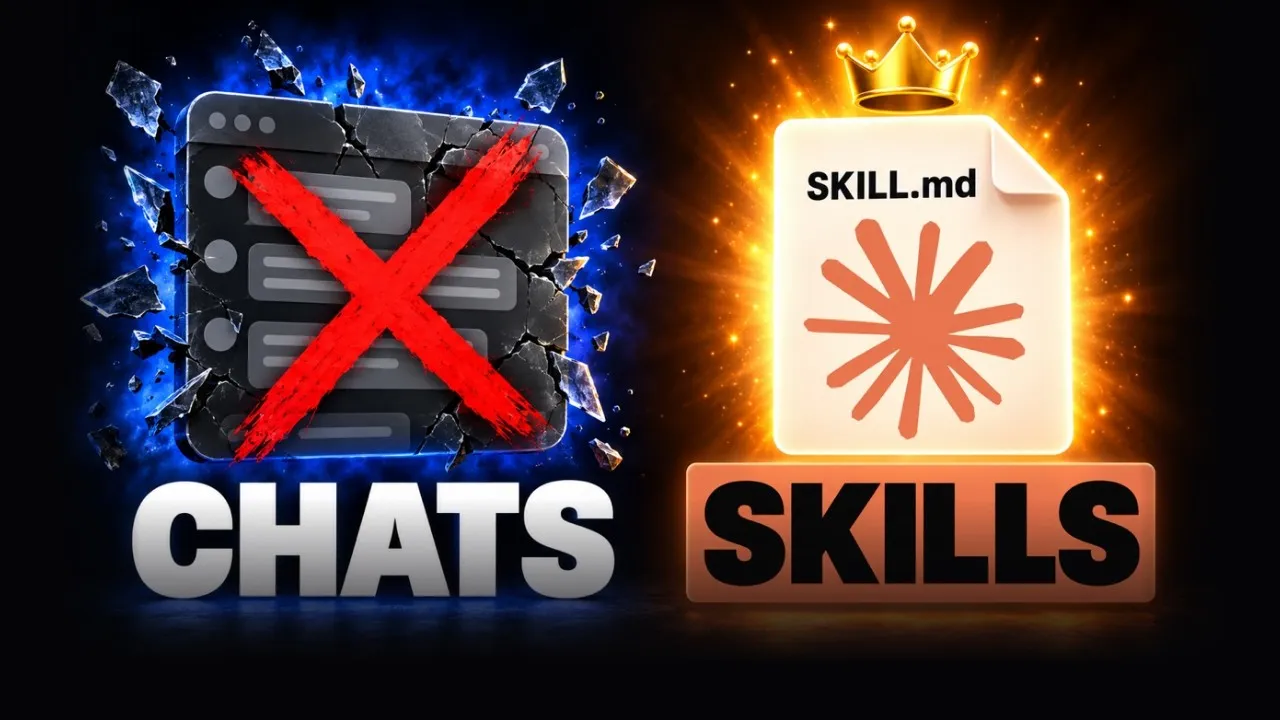
The first time I built a slide deck for my class, I told Claude I wanted three to four bullets maximum, as few words as possible, animations, and the image on the left or right. It learned that and it became a skill. Now every deck comes out with the same look and feel, and I don’t build them by hand anymore. A skill is a saved set of instructions Claude follows each time, and you can do the same for blog posts, captions or email.
 Video · 15 min
If You're Not Using Skills, You're Using Claude Wrong
I show how to build your own skill and edit it so it gets better every time you use it, which is how I keep my content consistent.
Watch the video →
The same idea works for design. I used to pay thousands of dollars for a logo and a website, and building a site took months. Now Claude builds one in about ten minutes. The speed is real, but only if you give it your colors, your examples and your taste first. My post on an AI website builder vs a web designer covers where that line sits.
 Free resource · Skill
Claude Skill Builder
I use this skill to build my other skills, and it gives you a guided way to turn a task you repeat into reusable instructions.
Get it free →
How much of your content should AI write?
Let AI draft, then add what only you know. The data shows most marketers already do this. In the same Ahrefs survey, 66% said they trust AI content only if a person reviews it first, and only 2.7% trust it with no review. Still, 7% of AI-using marketers said more than 75% of what they publish is AI output with no editing or added input, up from 4% the year before. That group is the one at risk.
Google’s guidance on generative AI says two things that matter here. Using AI to generate many pages without adding value for users may break its spam policy on scaled content abuse. And it is critical to fact-check and review AI output, because these models predict likely words rather than retrieve facts. The same review applies to titles, meta descriptions and image alt text.
So the rule is simple: more content is not the goal, better content is. Search results now show AI summaries, and getting your pages quoted inside them is its own job, which I cover in AEO and GEO. Add a real story, a real number or a real mistake from your own work to every piece before you publish.
What does a simple weekly content workflow look like?
Use the tools in a fixed order, and keep one person responsible for the final check. Here is a workflow that fits one person or a small team:
- Pick one idea. Ask your assistant for 10 angles based on questions your customers actually ask. Choose one.
- Draft with your style saved. Give the assistant your skill or style notes, your outline and one real example from your work.
- Edit by hand. Cut anything generic, check every fact against its source, and add your own experience.
- Make the visuals. Build the image in Canva or the slides in Gamma from the finished text, not before it.
- Repurpose. Turn one post into a short video or voiceover, then post each version where your audience already is. For short video ads, see AI UGC video ads.
- Check before you publish. Read it aloud. If it could have been written by anyone, add the part only you can say.
When I’m lazy, I get more done, because I’m not doing the work myself. I automate it, delegate it or outsource it. That does not mean skipping step 3. It means setting steps 1, 2 and 4 up once, so your hours go into the part that makes the content yours. If you want a repeated chain like this built into your tools, see my custom AI apps page.
How do you avoid paying for tools you do not use?
Test each tool for 30 days against one number you already track, such as hours spent, posts published or leads from content. Keep it if the number moves, and cancel it if not.
- Does it do a job you repeat every week? If not, you are buying a demo.
- Does it show its work? You should see the draft, the settings and the source.
- What happens after the free plan? Read the pricing page now, not after you have built your process on it.
- Can you leave? Check that you can export your files, scripts and projects.
- Who checks the output? If the answer is nobody, the cost is your reputation.
What should you do next?
This week, pick the one content format you make most, pick one tool from the table, and write down the number it should move. Run it for 30 days. If you are not sure which job to start with, the guide to AI for small business walks through first use cases.
If you want a person to pick the tools, set up your first content workflow and train your team to run it, start on my AI sales enablement page or my AI consulting page.
Sources
- Ahrefs, 69% of Marketers Are Publishing More AI Content Than Last Year, survey of 301 marketers, published September 30, 2026.
- Google Search Central, Using generative AI content on your website, read November 20, 2026.
- Vendor pricing pages, each read November 20, 2026: Claude, ChatGPT, Canva, Descript, ElevenLabs and Gamma. Plans change, so check each page before you buy.
- Roundups used to see how the category is grouped: Visme, ClickUp and QuillBot.