AI Tools for Small Business: What to Use and What to Skip

Most small businesses need two or three AI tools, not twenty. Start with one writing assistant. Add a meeting notetaker, support chatbot, bookkeeping software, scheduling link or design tool only when that task repeats every week.
Five of the six categories below have a free plan to test first. If you want help choosing and setting up AI tools for a small business, see the AI consulting page or my live AI workshops for your team.
This guide is not a ranking. It names example tools in six categories, shows what each vendor lists on its own pricing page, and says when to skip the category. The goal is a short list that matches how your business works. For the bigger picture, read AI for small business, AI for business and the AI strategy guide. For a larger company’s view of software types and plans, see AI software for business. For tested wording to use with any of these tools, see AI prompts for business. If marketing is the job eating your week, see AI marketing tools for a shorter list matched to marketing jobs.
Which AI tools does a small business actually need?
Start from the task, not the tool. The U.S. Chamber of Commerce’s 2026 small business technology report says 66% of small businesses now use AI, up from 58% in 2025 and 23% in 2023, and 41% use a generative AI chatbot such as ChatGPT, Gemini or Claude. Being common does not make a tool worth buying. Use it when a task repeats and you can name who owns it.
| Category | What it is for | Cost band (vendor’s page, per person unless noted) | Skip it when |
|---|---|---|---|
| Writing and answers | Drafting emails, posts, proposals and summaries; answering questions about documents | $0 to $25 a month | You write little, or the text would need customer secrets pasted into a free plan |
| Meetings and notes | Recording, transcribing and summarizing calls, with action items | $0 to about $20 a month on annual billing | You have a few calls a month, or people on the call have not agreed to be recorded |
| Customer support | Answering repeat questions on your site or in a help inbox | Free to about $33 a month to start, or $0.99 per outcome on Intercom’s AI agent | Customers rarely ask the same question twice |
| Bookkeeping | Invoices, bills, bank matching and reports | $10 to $97 a month for the accounting plan | An accountant already runs your books in a system you both like |
| Scheduling | Booking links, reminders and calendar checks | $0 to $24 a month | One booking page and one calendar is all you need |
| Design | Social posts, flyers, decks and simple brand assets | $0 to $250 a year | You already have a designer, or publish a few visuals a year |
The bands come from the plans in the next section. They cover the plans a small team would look at first, not enterprise plans. Prices change, so open the vendor’s page before you buy.
What do these tools cost on the vendors’ own pages?
Every price below was read from the vendor’s pricing page on November 11, 2026. Where a page offers a discount for new customers, only the regular price is shown. Annual billing is cheaper per month than monthly billing at most of these vendors, and the table says which one applies.
| Category | Tool | Plan and price listed | Source |
|---|---|---|---|
| Writing | ChatGPT | Free $0; Go $8 a month; Plus $20 a month; Business standard seat $20 a month billed annually or $25 billed monthly | ChatGPT pricing |
| Writing | Claude | Free $0; Pro $20 a month billed monthly, or $17 a month billed annually ($200 up front) | Claude pricing |
| Meetings | Otter | Basic free (300 monthly transcription minutes); Pro $8.33 per user a month on annual billing; Business $19.99 per user a month on annual billing | Otter pricing |
| Meetings | Fireflies | Free $0; Pro $10 per seat a month billed annually ($18 monthly); Business $19 billed annually ($29 monthly) | Fireflies pricing |
| Meetings | Granola | Basic $0; Business $14 per user a month | Granola pricing |
| Support | Tidio | Free plan with 50 billable conversations; Starter $24.17 a month with annual billing; the Lyro AI agent alone from $32.50 a month | Tidio pricing |
| Support | Intercom | Fin AI agent at $0.99 per outcome on top of per-seat helpdesk pricing; 14-day free trial, no card | Intercom pricing |
| Bookkeeping | Xero (US) | Simple $10 a month, Early $27, Growing $59, Established $97 | Xero pricing |
| Bookkeeping | FreshBooks | Lite $23 a month, Plus $43 a month, billed monthly | FreshBooks pricing |
| Scheduling | Calendly | Free (one event type, one calendar); Standard Plus $18 per seat a month billed yearly, or $24 billed monthly | Calendly pricing |
| Design | Canva | Free $0; Pro US$144 a year per person; Business US$250 a year per person | Canva pricing |
Three details change what you pay. Per-seat tools charge for every person who uses them, so a team of five pays five times. Usage-based tools such as Intercom’s per-outcome fee grow with volume. And free plans limit usage, history or features, so check the limit that matters to you, such as minutes of transcription or number of conversations.
Xero and FreshBooks are listed for their accounting plans. Their pricing pages do not break out a separate AI price, so treat any AI features as part of the software, not a reason to pay more.
When should you skip a category?
Skip a category when you cannot name the task it replaces. A tool earns its fee only by saving time on something that already happens. Test with this short check before paying for anything:
- Does the task repeat weekly? If not, do it by hand or use a free plan.
- Does a person own the result? AI drafts, a person checks. If nobody will check the output, skip the tool.
- Is the data sensitive? If the task involves customer records, health or payment details, read the vendor’s data terms first. See AI governance for the policy side.
- Does it connect to what you already use? A notetaker that does not feed your calendar or customer list creates a new chore.
- Can you stop paying easily? Prefer monthly billing until the tool has proved itself for a quarter.
This is a judgment framework, not a measured result. It is built from how the plans above are priced and limited.
I think a lot of vendors are just sticking the buzzword AI onto everything, and it is not really AI. That is ridiculous.
How do you use these tools without creating risk?
Two rules cover most of the risk. First, decide which plan holds your data. Consumer plans and business plans often have different data-use terms. ChatGPT’s Business page, for example, lists “no training on your business data by default,” and Granola’s page lists an option to opt out of model training on its free Basic plan. Read the line for the exact plan you will use.
Second, tell people when AI is in the room. A notetaker joining a call should be announced, and a support chatbot should make it easy to reach a person. If the tool touches customer or employee data in a way a regulator cares about, ask a lawyer rather than relying on a vendor page.
How should a small team start?
Pick one task and one tool, and run it for 30 days:
- Week 1: choose the task and the owner, and write down how long it takes now.
- Weeks 2 to 3: use the free plan on real work, and have the owner check every output.
- Week 4: compare time spent with the baseline. Pay only if the saving is clear.
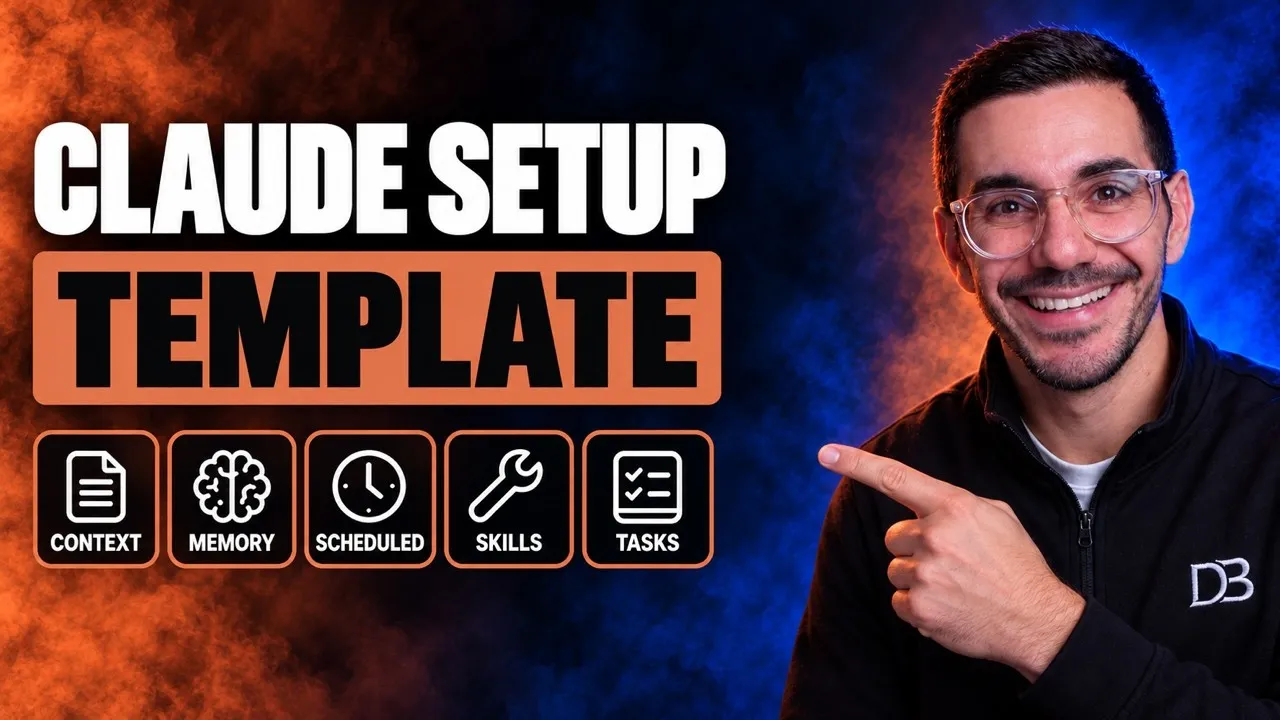
When I need a list of prospects or investors, I ask ChatGPT, Gemini, Claude, Perplexity and every other AI model the same prompt and compare the answers. Whichever assistant you pick, set it up once so it knows your business and your rules.
 Video · 21 min
Setup Claude Better Than 99% Of People (Full Setup File)
I walk through my free setup file, which gives Claude your folders, memory and rules so every chat starts knowing your business.
Watch the video →
Then teach the habit, not the product. My AI workshops do this live with your team, and the AI training for employees guide covers how to get a team using a tool the same way, and the AI adoption guide covers why some rollouts stall. If you are weighing outside help, the AI readiness assessment shows what a first review should cover, and the AI consultant guide explains what a consultant does and does not do.
What do these tools not do?
Every tool here makes mistakes a person has to catch. A writing assistant can give a confident wrong answer. Notetakers mislabel speakers, support chatbots answer questions your policy does not allow, and bookkeeping software sometimes matches a transaction to the wrong account. Treat the output as a fast first draft that someone approves.
Sales tools, social media schedulers and workflow connectors are not covered here. They matter, but they are a second step once the six basics above are working.
Sources
- U.S. Chamber of Commerce Technology Engagement Center, Empowering Small Business: The Impact of Technology on U.S. Small Business, fifth edition (2026). Survey fielded July 23 to August 6, 2026 for the latest wave.
- Vendor pricing pages, each opened November 11, 2026: ChatGPT, Claude, Otter, Fireflies, Granola, Tidio, Intercom, Xero, FreshBooks, Calendly, Canva.
The tools named are examples, not endorsements, and the links on this page are plain links with no affiliate relationship. Each price is the vendor’s own and can change.