Artificial Intelligence Solutions: Types, Examples, How to Choose

Artificial intelligence solutions are software or services that use AI to do one defined job in a business, such as answering customer questions, sorting documents or forecasting demand. For a small company, the useful question is which one job to hand over first.
Below: the main types with examples, how a solution differs from a tool, whether to buy, set up or build, and how to choose. If you also need help picking someone to do the work, read what an AI consultant does. The AI consulting page covers how I work with teams.
What are artificial intelligence solutions?
An AI solution is a tool pointed at a specific problem, connected to your data, with rules around it. That is different from opening a chatbot and typing a question.
Atlassian, in an article by Jamil Valliani published June 26, 2024, describes AI solutions as technologies that combine algorithms, data analysis and computing power to automate processes, make predictions and learn from data without being programmed for every scenario. Glean’s guide, last updated April 10, 2025, says the same thing in plainer words: tools that imitate human thinking to automate work, analyze data and support decisions. Both are vendors describing their own category, so read them as definitions, not proof.
Here is how I separate three things that get mixed up in sales pages:
| Piece | What it is | Example | Who sets it up |
|---|---|---|---|
| AI tool | One general capability | A chat assistant that writes and summarizes | You, in minutes |
| AI solution | A tool aimed at one of your tasks, with your data and rules | An assistant that drafts replies to your support inbox from your own help articles | You or a specialist, in days or weeks |
| AI consulting | Help deciding which solution, building it and training the team | A first-month plan with one pilot | A consultant |
A lot of vendors are just sticking the buzzword AI onto everything, and it is not really AI. That is why I ask what a product does on your task before I care what it is called. Fancy words like “agent” get the same test: which job, which data, who checks it.
What types of artificial intelligence solutions are there?
Atlassian lists five types, and I added a sixth because it is the one most small businesses meet first.
| Type | What it does | Business example |
|---|---|---|
| Machine learning | Finds patterns in example data and predicts from them | Flagging invoices that look unusual |
| Natural language processing | Understands and produces human language | A virtual assistant that reads a customer message and drafts a reply |
| Computer vision | Interprets images and video | Checking product photos for defects |
| Predictive analytics | Forecasts outcomes from past data | Estimating next month’s demand |
| Robotic process automation | Runs repetitive, rule-based steps | Copying order data from email into your accounting system |
| Generative AI and agents (my addition) | Writes, summarizes and carries out multi-step tasks from instructions | Drafting a proposal, then filing it where your team looks |
Most of the vendor pages that rank for this topic are written for large companies, so their examples lean toward factories, banks and hospitals. If you run a small team, I would look first at the last two rows, plus language tools, because they need the least data and the least setup.
What can AI solutions do for a business?
They handle repeated work in a few areas. Glean groups them into customer engagement (chatbots and virtual agents for routine questions), data analysis (finding patterns in large amounts of information) and operations (automation that cuts manual steps and errors). Marketing, sales, IT and customer service come up in most lists.
When I meet a new team, I start by asking what the biggest time-consuming tasks are and which problems most need fixing. Here are four buckets I would look in first:
- Answering the same questions. Support, sales and internal “where is that file” questions.
- Moving data between apps. Copying, re-typing and checking.
- Drafting. First versions of emails, proposals, posts and reports.
- Reading. Summarizing calls, contracts, reviews and long threads.
If a task repeats, takes real time and does not need perfect judgment on the first pass, it is a candidate. For longer lists, see AI use cases and AI automation.
How many businesses use AI solutions today?
Fewer than the headlines suggest. The US Census Bureau’s Business Trends and Outlook Survey found that 19.8% of US businesses were using AI as of May 3, 2026, and between 20% and 23% expected to use it within six months. Use rises with size: 37% of firms with 250 or more employees, 32% of firms with 100 to 249, and under 20% of firms with four or fewer employees. The Census article, published May 26, 2026, says use among firms with fewer than 20 employees showed no significant change from December 2025 to May 2026.
So if you have not started, you are not behind a wave. You are with most small businesses. That is also a reason to start small and learn, not to buy the biggest package on offer.
Should you buy, set up or build an AI solution?
Pick the lightest option that does the job. Most small businesses never need the third row.
| Option | Fits when | Watch out for |
|---|---|---|
| Buy an off-the-shelf tool | One task, no sensitive data, many others already do it | You adapt to the tool, not the other way round |
| Set up a tool on your data and apps | The task touches your files, inbox or software | Someone must own the accounts, prompts and rules afterward |
| Build something custom | No tool covers the job, and the task is core to how you win | Time, upkeep, and the risk of building what a tool already does |
While building my app, I noticed we were creating and fixing endless issues, and it was getting complicated with rules, evals, formulas and workarounds. When I ran the same task as a skill directly in Claude, it was flawless without any of that. So I asked: are we overcomplicating this build? That question is worth asking about any custom project before you pay for it. When a custom build is the right call, that is the work I do as custom AI apps. Related: hire an AI consultant or build in-house.
Which problems are not AI projects?
Many are not. Not every problem is an AI project. Sometimes it is just an inventory system, and even a great system is pointless if people will not use it.
Run a quick check before you shop:
- Could a form, a checklist or a spreadsheet formula fix it? Then do that.
- Is the task one people avoid or work around? A tool will not fix a process nobody follows.
- Does a mistake cost more than the time saved? Then keep a person in the loop, or skip it.
At PracticePanther, the company I co-founded, we started as a CRM for anyone’s business. We said plumbers, doctors, dentists, lawyers and DJs could all use it. The problem was that a dentist would sign up, say it was pretty good, and then go with software made just for dentists. After two years we realized we had broken the number one rule: we had no target customer. When we changed our marketing and said we were software only for lawyers, it blew up overnight. AI solutions work the same way. A solution that claims to fix everything in your company usually fixes nothing well. One task, one owner, one measure.
How do you choose an AI solution?
Scope the task first, then compare options on the same numbers. I scope AI work by asking how you do things today, how much time and manpower that takes, and how much it costs you. Without that baseline, nobody can say later whether the solution paid off.
Bring these to any vendor or consultant:
- The task, in one sentence. “Draft first replies to support emails,” not “improve customer experience.”
- Hours per week and who does it today.
- What a mistake costs.
- Where the data lives and whether it is private.
- How you will know it worked, in the same three numbers.
Then ask for a small taste before you commit. What has worked for me every time: if a prospect asks for a deliverable, I give them a little taste of it. If they want a new website, I show up having already built a draft. A vendor who cannot show a working version of one narrow task on your example is selling a slide deck.
For vendor questions, how to choose an AI consulting firm has a longer checklist, and what AI consulting services include shows what to expect in writing.
What are the risks of AI solutions?
Atlassian names four: data privacy and security, ethical concerns such as biased outcomes, integration with existing systems, and skill gaps. Glean adds clean, complete data and staff training.
For a small business, the practical version is short:
- Decide which data may go into which tool. Customer records and financials need a clear yes or no.
- Keep a human check on anything sent outside the company.
- Train the people who will use it, with a written how-to.
- Write the rules down. The US National Institute of Standards and Technology released its voluntary AI Risk Management Framework 1.0 on January 26, 2023, and added a Generative AI Profile on July 26, 2024. You do not need to adopt it in full. A one-page policy covers most early risk. See AI governance.
How do you start with your first AI solution?
Start with something small and quick. My goal is really small, easy, quick wins. When a team sees how fast something gets built, they say wow, it was that easy, and they want to automate everything else.
Here is one I use: I built a product-research skill that asks me a few questions, reads the listings and reviews, and recommends the best option. I buy what it recommends about 95% of the time, it saves me about 30 minutes, and it is the skill I use the most. It is a small solution to one repeated task, which is the shape I would copy. As I explain in my Claude skills video, a skill is a folder with one text file that teaches Claude how to do one job, step by step.
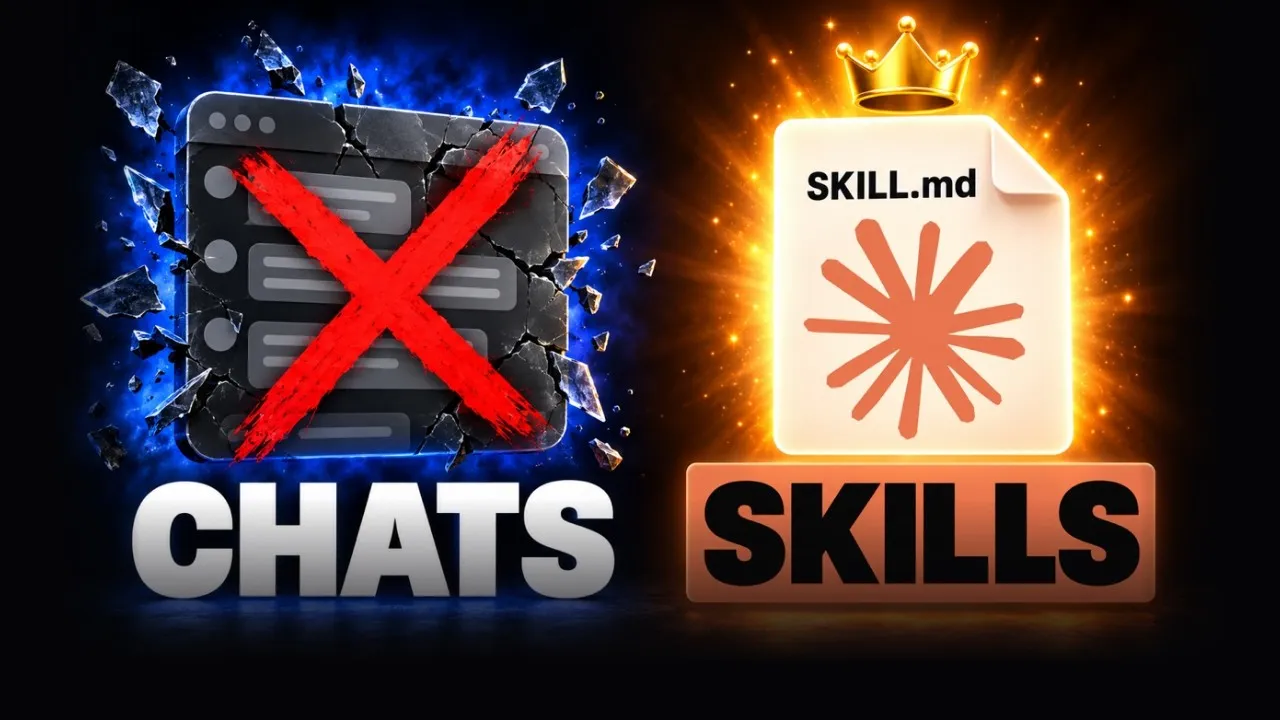 Video · 15 min
If You're Not Using Skills, You're Using Claude Wrong
I show what a skill is, how to install one and how to build your own, so one repeated task becomes a small solution you control.
Watch the video →
A first month can look like this:
- List five tasks your team repeats, with hours per week.
- Pick one that is frequent, low-risk and easy to check.
- Test one tool or setup on real examples for two weeks.
- Measure hours saved and errors against your baseline.
- Write down what worked, who owns it and the rules for use.
- Choose the next task only after the first one holds up.
On a first call, you tell me about your business and your goals. I ask questions and tell you honestly whether I can help, and what I would do first. If you want that for your own list of tasks, the AI consulting page shows how to start.
Related guides
- What an AI consultant does, and when you need one: the job and a five-question test
- AI for small business: where to start
- AI tools for small business: tools by task
- AI integration: connecting AI to the apps you already use
- AI strategy: decide where AI goes in your business
- AI agents for business: what agents can and cannot do
Sources
- Jamil Valliani, Atlassian, What are artificial intelligence (AI) solutions?, published June 26, 2024, read November 15, 2026.
- Stephanie Baladi, Glean, What are AI solutions? 5 business applications explained, last updated April 10, 2025, read November 15, 2026.
- US Census Bureau, Large Firms With at Least 20 Employees Biggest AI Users, published May 26, 2026, read November 15, 2026.
- NIST, AI Risk Management Framework, version 1.0 released January 26, 2023, read November 15, 2026.