Claude for Business: Plans, Data Safety and How to Start


Claude for business means giving your team Anthropic’s Claude assistant under a work plan. One person can start on Pro. Two or more people who share company information should use Team, which adds single sign-on, central billing and no model training on your content by default.
I teach teams to use Claude through AI workshops. Below is what I tell a company before it spends a dollar: what the plans cost, what happens to your data, and how to start without a mess.
What does “Claude for business” actually mean?
It is not one product. It is three layers: the assistant itself, the tools around it, and the plan that decides who can see and control what.
- The assistant. Chat on the web, desktop and phone, with web search, file creation and memory.
- The tools around it. Projects, connectors to your apps, Skills, Research, Claude in Chrome, Claude Cowork and Claude Code. Anthropic’s pricing page lists these by plan.
- The plan. Free, Pro, Max and Ultra are for one person. Team and Enterprise are for companies.
Businesses are paying for it. In its October 2026 reading, the Ramp AI Index put paid AI adoption at 56.8% of businesses on Ramp, with 44.8% paying for Anthropic and 40.6% for OpenAI. Ramp measures its own customers, more than 85,000 firms, so it is not every U.S. business.
I’ve spent over 1,500 hours mastering Claude, and I’ve shared most of what I learned privately with coworkers, classrooms and companies. The pattern is always the same. The plan is the easy part. Getting good results is the hard part, and I get to that below.
Which Claude plan does a business need?
Pick by how many people use it and how much control you need over company data. Here is Anthropic’s own pricing page, read on November 20, 2026:
| Plan | Price | Seats | Best for | Admin and data |
|---|---|---|---|---|
| Free | $0 | 1 person | Trying it | No single sign-on or central billing. Model training is opt-out |
| Pro | $17 a month billed annually ($200 up front), or $20 monthly | 1 person | A solo owner | Same as Free |
| Max | $100 a month | 1 person | Heavy daily use, 5x Pro usage | Same as Free |
| Team | Standard seat $20 a month billed annually or $25 monthly. Premium seat $100 annually or $125 monthly | 2 to 150 | A shared workspace | Single sign-on, central billing, admin controls for connectors, no training on your content by default |
| Enterprise | $20 per seat a month billed annually, plus usage at API rates | 20 minimum (self-serve) | Large or regulated companies | Everything in Team plus role-based access, SCIM, audit logs, custom data retention, IP allowlisting and a HIPAA-ready offering |
Source: Claude pricing. Anthropic says prices and plans can change. There is also an Ultra tier at $200 a month for one person’s longest tasks.
My rule of thumb: if a second person needs the same Claude setup, move to Team. A Premium seat has 5x the usage of a standard seat, and you can mix seat types, so give heavy users Premium and everyone else standard.
I also tell people not to buy the biggest plan on day one. If you start running out of usage on the entry plan, that is a great problem, because it means you are really using it. That is when to move up.
Is Claude safe for company data?
On a work plan, Anthropic says it does not train on your content by default. Anthropic’s privacy center, in an article dated August 18, 2026, says it will not use inputs or outputs from its commercial products, such as Claude for Work and the Anthropic API, to train its models by default. The exceptions are feedback you send (the thumbs up and down buttons) or data you choose to share. A Team or Enterprise owner can turn off the feedback button in the organization settings.
Source: Anthropic Privacy Center, “Is my data used for model training?”.
The same pricing page lists model training as opt-out on Free, Pro, Max and Ultra, and “none by default” on Team and Enterprise. My takeaway (an inference, not Anthropic’s wording): if staff paste company documents into personal accounts, you have no central control and no record of what went where. A business plan fixes that.
Three habits I recommend on any plan:
- Approval before action. I let Claude read my email on its own, but anything it writes needs my approval first.
- A policy that lets people use it. An AI usage policy that only limits people makes them afraid to do anything with AI. Say what is off limits (customer records, passwords, anything regulated), then let people use it for everything else. My longer take is in AI governance.
- Check the contract for regulated data. If you handle health, legal or financial records, read Anthropic’s Trust Center and your agreement, and ask your lawyer. This post is not legal advice.
What can a team do with Claude?
Anything that is mostly reading, writing, sorting or analyzing. These are the pieces I would learn first:
- Projects. A shared space where a team keeps files and instructions for one job, such as a client, a campaign or a hiring round.
- Connectors. Links from Claude to your tools so it can read what you already have instead of waiting for pastes.
- Skills. Saved instructions for one repeatable job. This is the feature that separates teams who get value from teams who give up.
- Cowork and Claude Code. Both come with the Team plan on Anthropic’s pricing page. People assume Claude Code is only for developers because of the name. It isn’t. It works like Cowork and chat, only much more powerful, and it lets you do almost anything on your computer.
For a first week, pick tasks that repeat: meeting notes, first drafts of emails and proposals, research summaries, and cleaning up a messy spreadsheet. My article on AI for business covers how to choose the first task and what to measure.
Why do most teams get weak results at first?
Because Claude starts out knowing nothing about you. When you start using Claude, it has no idea who you are, what your company does, what rules it should follow, or where to put the files it creates. If you don’t tell it, every answer is generic.
The second problem is long chats. When a session gets very long and you’ve asked for the same thing many times, Claude compacts it. It summarizes your original instructions again and again, and eventually it forgets some of them, so your next invoice or report comes out different or wrong. The fix is a Skill: ask Claude to save your instructions once, so it never forgets them. If you’re using Claude without Skills, you might as well use ChatGPT.
Every time I speak to a room of people and ask who uses Claude, everyone raises a hand. When I ask who uses Skills, almost no one does. If you do not know Skills, you are using Claude like a baby.
 Video · 15 min
If You're Not Using Skills, You're Using Claude Wrong
I show how to install a skill, build your own and edit it so it gets better every time, which is the fastest fix for forgetful results.
Watch the video →
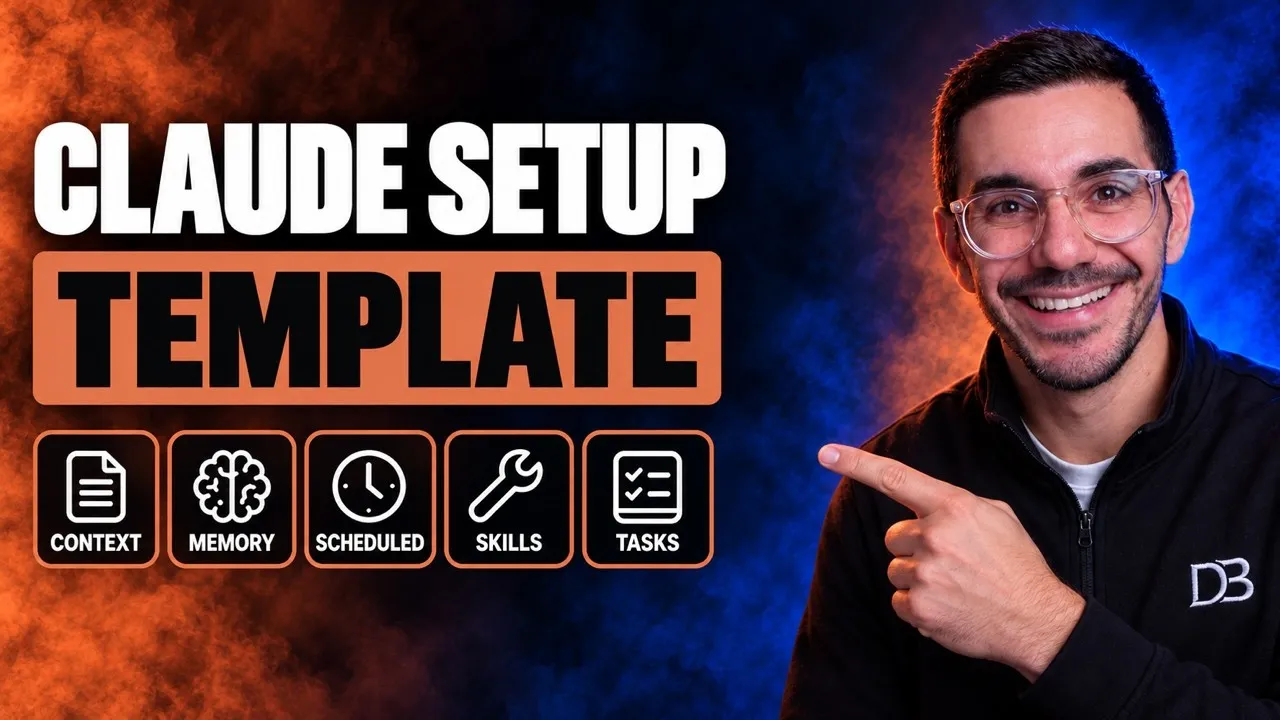
Telling Claude who you are can also be done once instead of every chat. My free setup file does this with global rules, memory files and a folder structure, and the video walks through it step by step.
 Video · 21 min
Setup Claude Better Than 99% Of People (Full Setup File)
I walk through the whole setup so Claude knows who you are and what your company does from the first session.
Watch the video →
How do you start with Claude in 30 days?
Keep it small. Master one workflow before you add another.
- Week 1: choose. Pick two or three tasks that repeat every week and one person to own them. Write down how long each takes today.
- Week 1: choose the plan. Solo owner, start on Pro. A team of two or more, start on Team with a few seats and add more later. Turn on single sign-on and set the policy before people begin.
- Week 2: give it context. Write down who your company is, your tone and your rules. Put them in a Project or a setup file so you don’t repeat them.
- Week 3: save the winners as Skills. Keep correcting a Skill so it gets better each time. By the tenth run it is great, and then you can schedule it to run every week on autopilot.
- Week 4: compare the numbers. Check the hours you wrote down in week 1. Keep what saved time, drop what didn’t, and decide whether to add seats.
Your first Skill is going to be bad. I once spent twelve hours on a Gmail skill and had to scrap the whole thing, but I learned a lot from it. It will break, it will not connect, it will not find the email. Don’t give up, because it gets really good the more you update it.
When is Claude not the right choice?
Claude is a poor fit when the plan limits or your tools don’t match. Weigh these trade-offs:
- Seat minimums. Team needs at least 2 seats and Enterprise at least 20 on the self-serve plan, per Anthropic’s pricing page.
- Usage limits. Every plan has limits that depend on the model, the chat length and the file size. Heavy users hit them.
- Regulated data. If you need audit logs, custom data retention or a HIPAA-ready offering, Anthropic lists those on Enterprise, not Team.
- Your tools. If your company runs on one vendor’s built-in assistant, test that first. Ask each tool to do the same three real tasks from your week and compare, rather than trusting a feature list.
This post is about rolling Claude out across a company. If you run a small shop and want Anthropic’s ready-made workflows for invoices, payroll and sales follow-ups, read Claude for small business. For a list of tools aimed at owners with no IT team, see AI tools for small business.
Frequently asked questions
What is Claude for business? It is Claude used under a Team or Enterprise plan: shared workspaces, single sign-on, central billing and admin controls, and no model training on your content by default.
How much does Claude cost for a business? On November 20, 2026, a Team standard seat was $20 per seat a month billed annually or $25 monthly, and Enterprise started at $20 per seat a month plus usage at API rates. Check Anthropic’s pricing page because prices change.
Is Claude safe for company data? Anthropic says it does not train on commercial product data by default. That covers work plans, not personal accounts, so move staff onto a business plan.
Should a small team use Pro or Team? One person can use Pro. Two or more who share rules, files and billing should use Team, which is built for 2 to 150 seats.
Can Claude replace my staff? No. It takes over repeatable drafting and research. A person approves and owns the result.
Where to go from here
Start with one task, one owner and the right plan. If you’d rather have your team using Claude well in days instead of months, my AI workshops teach people to set it up, build Skills and use it on their real work. For a conversation about your own company, start on the consulting page. Also read how to train employees on AI.
Sources opened on November 20, 2026: Anthropic’s pricing page, Anthropic’s Privacy Center article dated August 18, 2026, and the Ramp AI Index (data through October 2026). Plan prices and limits change often, so check Anthropic before you buy.